Many small companies know they need a CRM, yet keep running sales from a spreadsheet, an inbox and a few sticky notes. The usual reasons are honest ones: classic CRMs take weeks to configure, need someone to administer them, and charge for features a team of five will never use. This guide explains what a CRM for small business should really do, and how Ostrata, an AI-piloted CRM built for SMBs, approaches the problem. Transparency first: Ostrata is built by the founder of ASC Digital, so read this as a product guide, and compare it with other options before you decide.
What a CRM for small business must do
A small team does not need hundreds of settings. It needs a short list of things done well:
- One place for customers: companies, contacts and deals in a single, searchable record, not scattered across files.
- A visible pipeline: everyone sees which deals are open, at which stage, and what the next step is.
- Fast data entry: if logging a call takes longer than writing it on paper, nobody will do it.
- No dedicated admin: the owner or a sales lead must be able to adjust fields and views without a consultant.
- Data you control: clear hosting, export at any time, and GDPR-aligned practices.
- A price that scales with people: start small, add seats only when you hire.
Use this list as your checklist, whatever tool you choose.
How Ostrata works: describe the work, the Pilot does the clicks
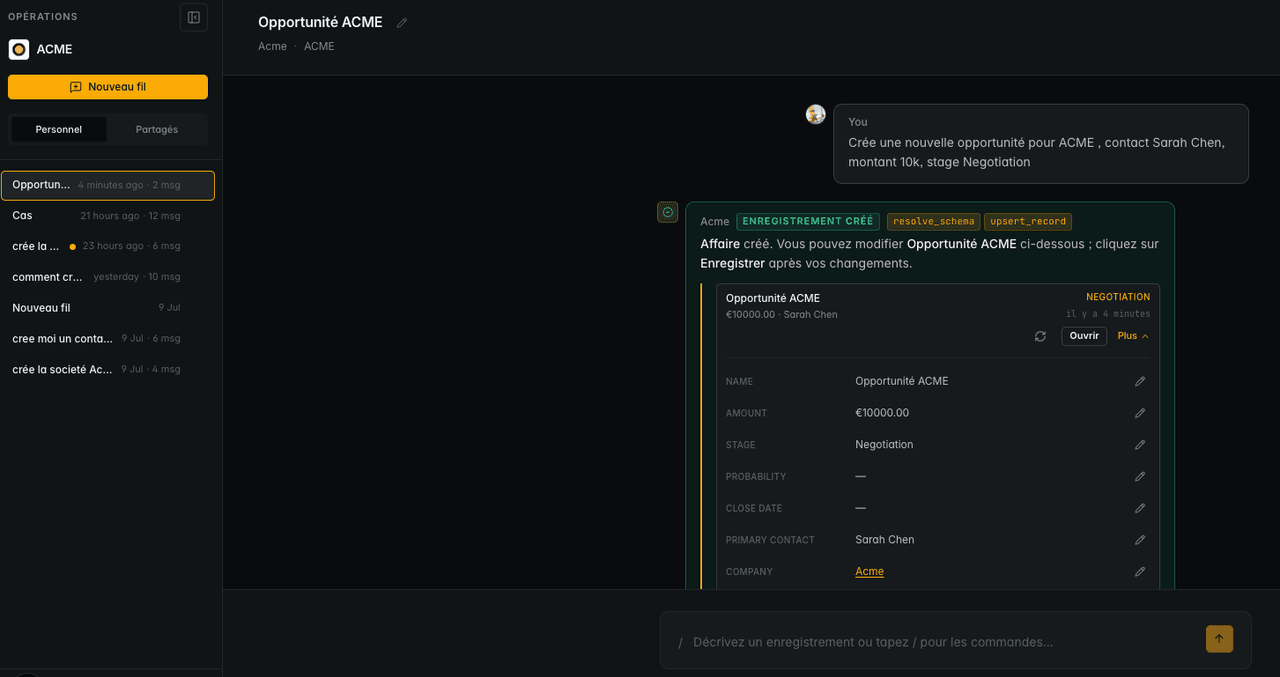
Ostrata describes itself as an "AI-piloted headless CRM": you define your schema, then use natural language in Operations to create, search and update records. Instead of navigating forms, a user types a request such as "create a deal for this company at the proposal stage" or "list my deals closing this month", and the Pilot carries it out on the records. For precise actions, slash commands like /create, /list, /find and /update are available, as described in the Ostrata help centre.
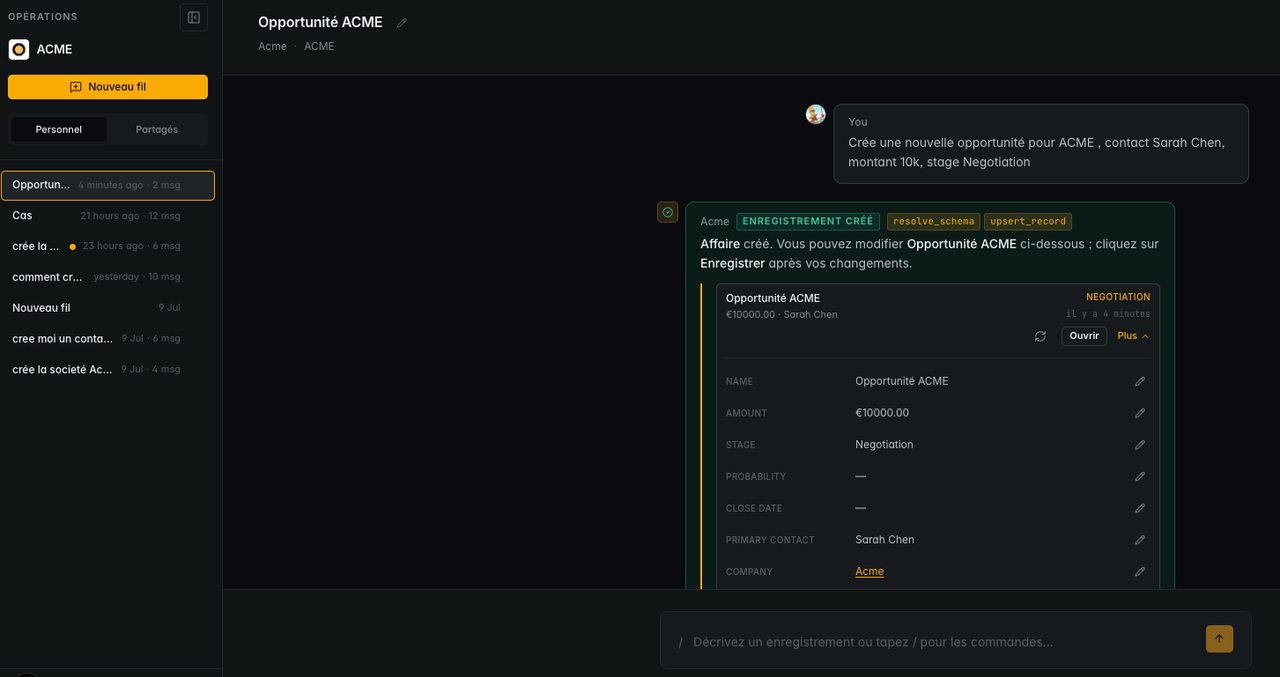
Out of the box you get the objects most small B2B teams need: Companies, Partnerships, Contacts, Deals, Quotes and Tasks. You can add custom objects when your business has its own concepts (projects, sites, contracts). Live Views, Dashboards, record notes, permissions and workspaces cover daily follow-up and team access.
Features that matter most for a small French company
Rather than listing everything, here is what typically saves a small team the most time, with the matching Ostrata feature:
- Getting your existing data in: Data Import accepts CSV or Excel files (up to 10 MB and 10,000 rows per job, one primary object per job). Our Excel to CRM migration playbook shows how to prepare the file.
- Clean company records: the French Registry integration uses SIREN, INSEE, BODACC and VIES data to complete company records. See our SIREN enrichment guide.
- Capturing website leads: Web Forms send enquiries straight into the CRM, explained step by step in our web form lead capture article.
- Working with your tools: integrations with Gmail, Google Calendar, Google Drive and Telegram, plus webhooks and a REST API to sync other systems.
- Using your AI assistant: the MCP connector lets Claude, ChatGPT and other AI clients read and update the CRM, for example to prepare customer meetings with Claude.
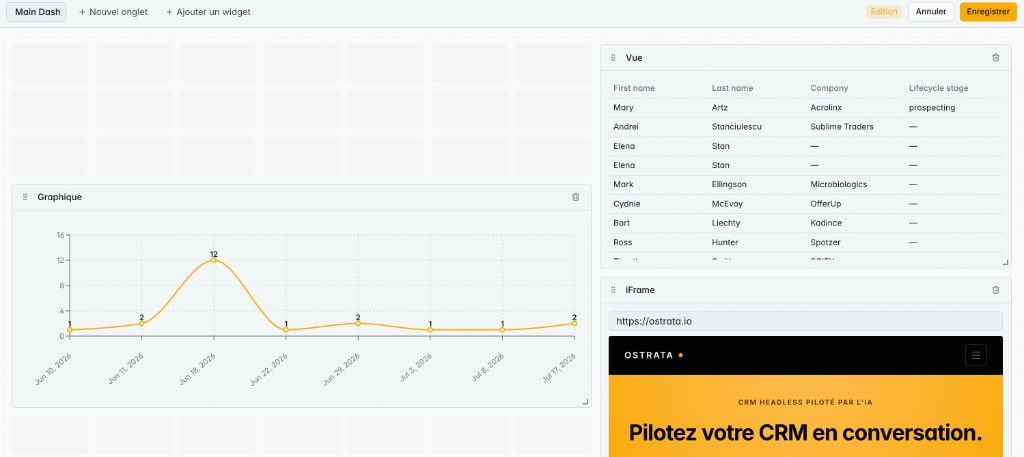
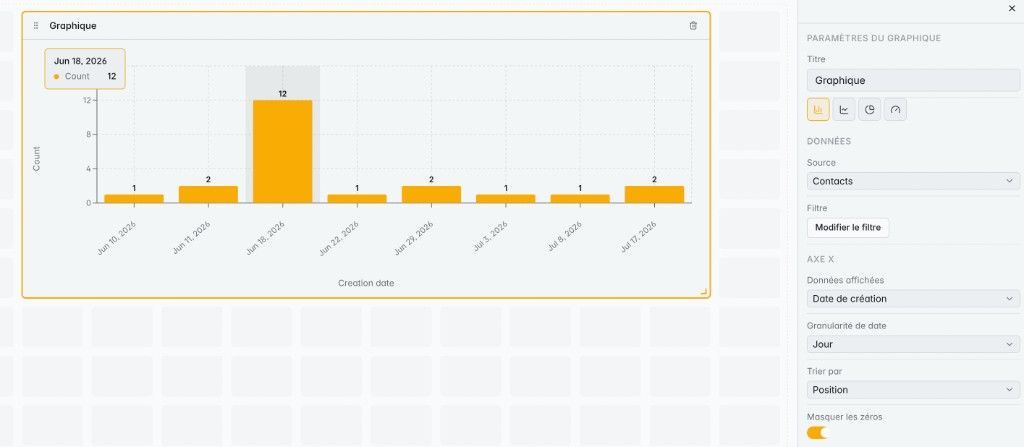
- Following the numbers: dashboards built from your own records, without exporting to a spreadsheet.
On data protection, Ostrata states that records are hosted in the EU and that the product is built and operated from Paris with GDPR-aligned practices. As with any vendor, check the terms and the data processing agreement against your own obligations.
Pricing and how to choose a plan
According to the Ostrata plans page at the time of writing:
- Free (0 €/month): for one person, no card required. Includes custom objects, live views and dashboards, one email, calendar and Drive account, and a one-time AI credit to try the Pilot.
- PRO (21 € per seat per month, billed monthly): from 1 to 50 seats, with a lower price on yearly billing. Adds a monthly AI credit, several email and calendar accounts, MCP and REST API keys per paid seat, Telegram, and inbound and outbound webhooks.
Prices can change, so confirm them on the plans page before budgeting. A simple way to decide:
- Choose Free if you are a freelancer or a founder alone on sales and want to replace a spreadsheet today.
- Choose PRO if two or more people share the pipeline, or you want to connect an AI assistant through MCP or sync other tools through the API.
- Look at a larger platform such as Salesforce if you need complex territories, advanced service operations or deep enterprise integrations. ASC Digital also covers that path.
What to do now: a two-week CRM start for a small team
- Day 1: write down your sales stages and the five fields you really use (for example deal value, next step, close date, source, owner).
- Days 2–3: clean your spreadsheet: one row per company or contact, no merged cells, consistent dates.
- Day 4: import companies first, then contacts, then deals, checking a sample after each job.
- Day 5: enrich French companies with their SIREN and create one live view per person ("my open deals").
- Week 2: log every call and meeting in the CRM, by typing a request to the Pilot, and run one weekly pipeline review from a dashboard.
- End of week 2: decide what to automate next: web forms, email sync or an AI assistant connected through MCP.
A CRM only helps a small company when the team uses it every day. That is why the time to log a call, the absence of admin work and a clear price matter more than a long feature list. If you want help choosing between a light CRM and a larger platform, or setting up Ostrata with your data, see our Ostrata AI CRM services or our AI process automation offer.